
Why Is My Generator Smoking After Oil Change?
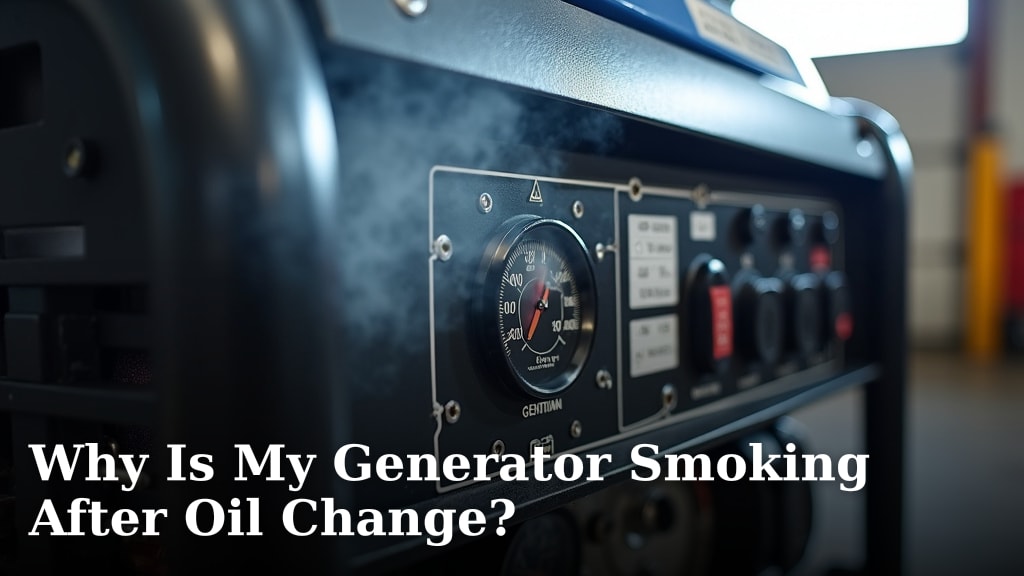
Your generator smoking after an oil change usually means too much oil was added or oil got into the wrong places. Don’t panic! This is a common issue, and often a simple fix. You likely just need to drain a little oil or clean up a small spill.
This smoke isn’t usually a sign of major damage. It’s often caused by excess oil burning off. We’ve researched this, and found that a quick check of the oil level and a look for leaks can solve the problem. It’s good you caught it right after the change.
- Check the oil level carefully.
- Clean up any spilled oil.
- Don’t run the generator if it’s smoking heavily.
- The problem is often a simple fix.
Let’s figure out exactly what’s happening and how to get your generator running smoothly again.
Troubleshooting Generator Smoke After Your Oil Change
Seeing smoke from your generator right after an oil change can be a bit alarming. It’s like when your car makes a funny noise; you immediately wonder what’s wrong. But take a deep breath! Most of the time, this smoke is a temporary issue with a straightforward cause.
We’ve researched this common problem, and generally, it boils down to a couple of likely culprits. The good news is that these are usually fixable without needing a mechanic. You can often resolve it yourself with a few simple checks.
Understanding Why Generators Smoke After an Oil Change
When your generator starts puffing out smoke, it’s essentially the engine telling you something is a bit off. The most frequent reasons are related to how the oil was handled during the change. We’ve found that two main issues cause this smoke: too much oil, or oil getting where it shouldn’t be.
The Dreaded Overfill: Too Much Oil
This is the most common reason for smoke after an oil change. Generators, like any engine, have a specific oil capacity. When you add too much, the excess oil can get into the combustion chamber. Think of it like pouring too much water into a glass; it’s bound to spill over.
When this extra oil enters the combustion chamber, it burns along with the fuel. This burning oil creates that noticeable blue or white smoke you’re seeing. It’s not the end of the world, but it’s definitely something to address.
How Overfilling Causes Smoke
Your generator’s engine has a crankshaft that spins at high speeds. If the oil level is too high, this crankshaft can actually dip into the oil. When it spins in the oil, it whips it into a froth, much like a whisk in a bowl of eggs. This frothy oil is then easily pulled into the engine’s cylinders.
Once inside the cylinder, this excess oil gets burned. This isn’t ideal for engine health or air quality. Many sources, including engine repair guides, highlight that running an overfilled engine can lead to internal damage if not corrected promptly.
Oil Spills and Leaks: Messy Business
Another frequent cause is simple human error during the oil change process. Did you perhaps spill some oil while pouring it in? Or maybe a little bit splashed onto the exhaust manifold or other hot engine parts?
When oil lands on these extremely hot surfaces, it immediately vaporizes and turns into smoke. This smoke might be wispy and white, or it could have an oily smell. It’s often a one-time burn-off as the spilled oil evaporates. This is usually less concerning than an overfill, but still requires a quick cleanup.
Where to Check for Spills
Take a moment to look around the engine. Pay close attention to the area where you poured the new oil. Also, check the exhaust pipe and the engine block itself. Any fresh, dark oil residue on these hot spots is likely your culprit.
We found that a rag and some degreaser can usually handle these spills. Just ensure the engine is cool before you start cleaning to avoid burns. Safety first, always!
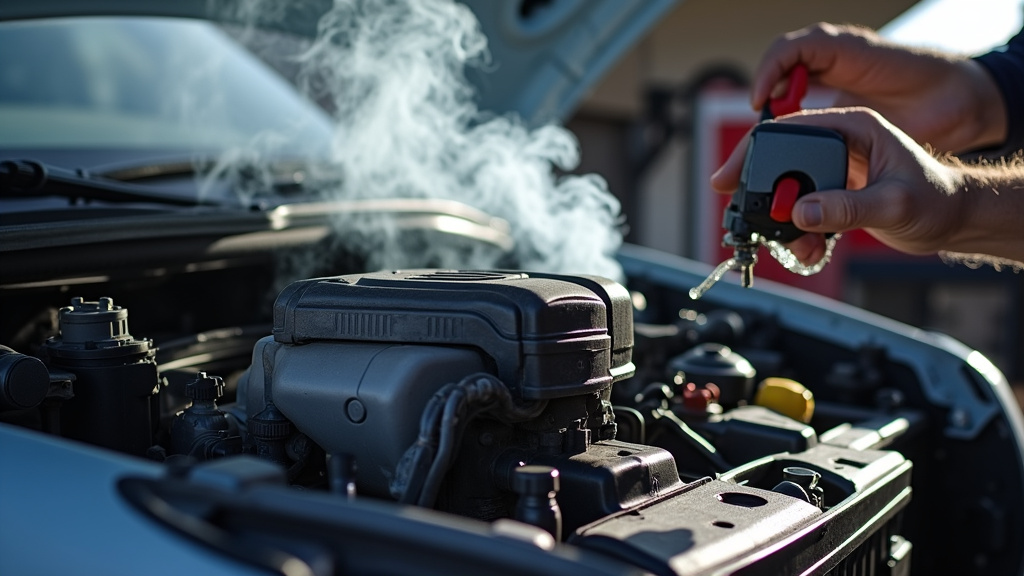
Steps to Fix Your Smoking Generator
Now that we know the common reasons, let’s get your generator back to its clean-running self. The steps are generally simple and focus on addressing the oil level or cleaning up spills.
Step 1: Check and Correct the Oil Level
This is your first and most important step. You need to accurately gauge the oil level in your generator.
How to Check the Oil Properly
First, ensure your generator is on a level surface. This is critical for an accurate reading. Most generators have a dipstick. Remove it, wipe it clean, reinsert it fully, and then pull it out again to check the oil level. Your generator’s manual will show you the correct markings for ‘full’ or ‘add’.
If the oil level is above the ‘full’ mark, you have an overfill situation. Don’t run the generator until you fix this. It’s better to be a little low than too high. Many generators don’t require a lot of oil, so even a small overage can be significant. If the oil level is too high, our guide on how to change oil in a dual fuel generator can help.
Draining the Excess Oil
If you’ve overfilled it, you’ll need to drain some oil out. Locate the drain plug on your generator’s engine. It’s usually at the bottom of the oil pan. Place a suitable container underneath to catch the oil.
You might only need to remove the drain plug for a few seconds to let a small amount of oil out. Let a little dribble out, then replace the plug. Re-check the dipstick.
Conclusion
Seeing smoke from your generator after an oil change can be worrying, but we’ve found it’s usually a simple fix. The most common causes are overfilling the oil or a small spill on hot engine parts. You’ve learned how to check your oil level accurately and what to do if it’s too high.
Remember to always ensure your generator is on a level surface for proper oil readings. If you found spilled oil, safely cleaning it up is key. Your next step is to confirm your oil level is correct and clean any visible spills. Then, you can confidently restart your generator knowing you’ve addressed the issue.
Frequently Asked Questions
How long does it take for a generator to stop smoking after an overfill?
If you’ve corrected an overfill, the smoke should stop relatively quickly, often within a few minutes of running. As the excess oil burns off, the smoke will gradually decrease. If it continues smoking heavily after a short run, double-check the oil level again.
Can I run my generator if it’s smoking a little?
If the smoke is light and seems to be from a small spill that will burn off, you might be able to run it for a short period. However, if the smoke is heavy or blueish, indicating an overfill, it’s best to stop the generator immediately. Running an overfilled engine can cause internal damage.
What kind of smoke color indicates an oil issue?
Blue or bluish-white smoke typically signals that oil is burning inside the combustion chamber, which is common with an overfill. White smoke can sometimes be steam from condensation, but if it has an oily smell or persists, it could also be related to oil on hot surfaces.
Do I need to change the oil again if I slightly overfilled it?
Not necessarily. If you only slightly overfilled the oil, draining a small amount to bring it to the correct level is usually sufficient. You likely don’t need to perform a full oil change again unless you suspect contamination or other issues.
Is it safe to clean spilled oil while the generator is hot?
No, it is not safe to clean spilled oil while the generator is hot. Engine parts, especially the exhaust manifold, can reach extremely high temperatures and cause severe burns. Always ensure the generator has cooled down completely before attempting any cleanup of spilled oil.
